User Guide

Everything you need to know to get the most out of ChronoChord.

1. Overview

ChronoChord is an all-in-one music companion designed for iOS devices (iPhone and iPad) that integrates high-precision tools for both rhythm and harmony.

Whether you're practicing complex timings backstage, tuning your instrument, or exploring harmonic transformations, ChronoChord provides professional-grade tools in a distraction-free, elegant interface that runs completely offline on your device.
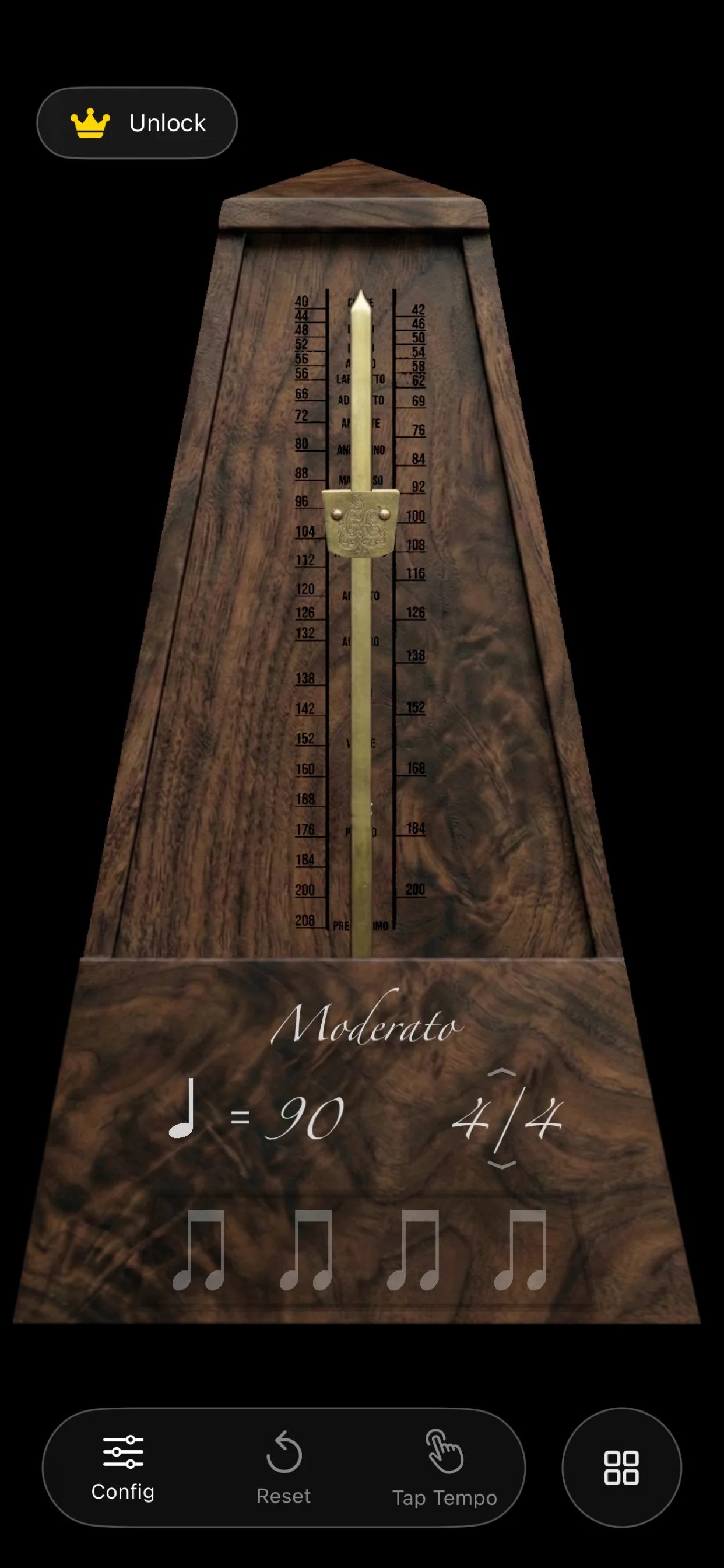
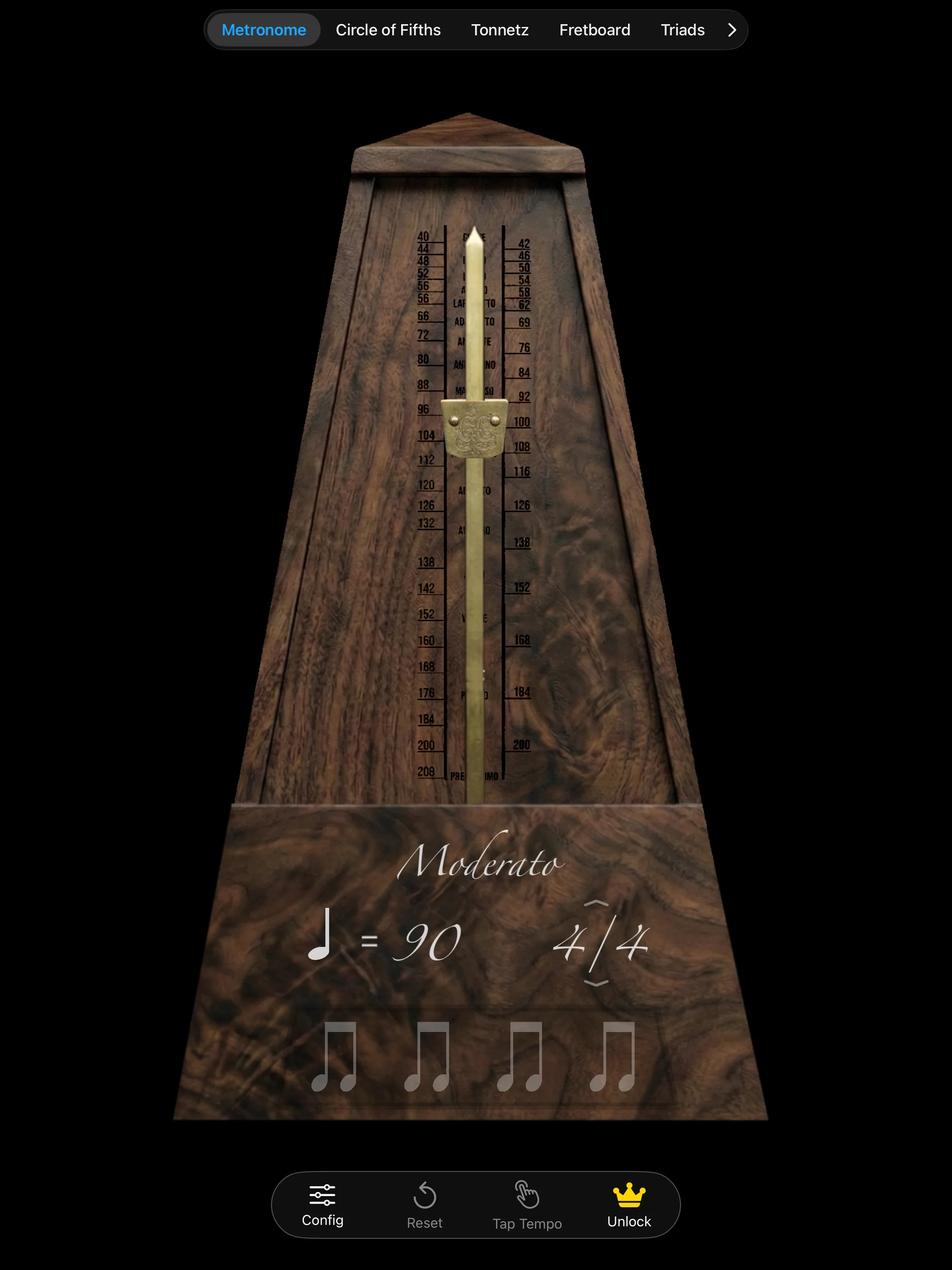
ChronoChord Metronome on iPhone ChronoChord Metronome on iPad

2. Main Metronome

The metronome is driven by a rock-solid timing engine that keeps perfect time even when the screen is locked or multi-tasking on an iPad.

1

Start / Stop: Tap the metronome body to start or pause the beat click. The pendulum swings in perfect sync with the audio click.

2

BPM Tempo Adjust: Drag the brass weight up or down the pendulum for a tactile control, or tap the central BPM digits to type an exact tempo value. MARK (Moderato, Allegro, etc.) is updated in real time.

3

Time Signatures & Accents: Tap the current time signature indicator (e.g. 4/4) to cycle through common measures. You can configure individual volume and accents for **Bar** (first beat), **Beat** (regular pulses), and **Half-Beat** (subdivisions).

Pro Tip: Visual flash options help you follow the beat silently. Switch samples between woodblock, digital click, and acoustic drum sounds to fit your instrument's timbre.

3. Precision Tuner

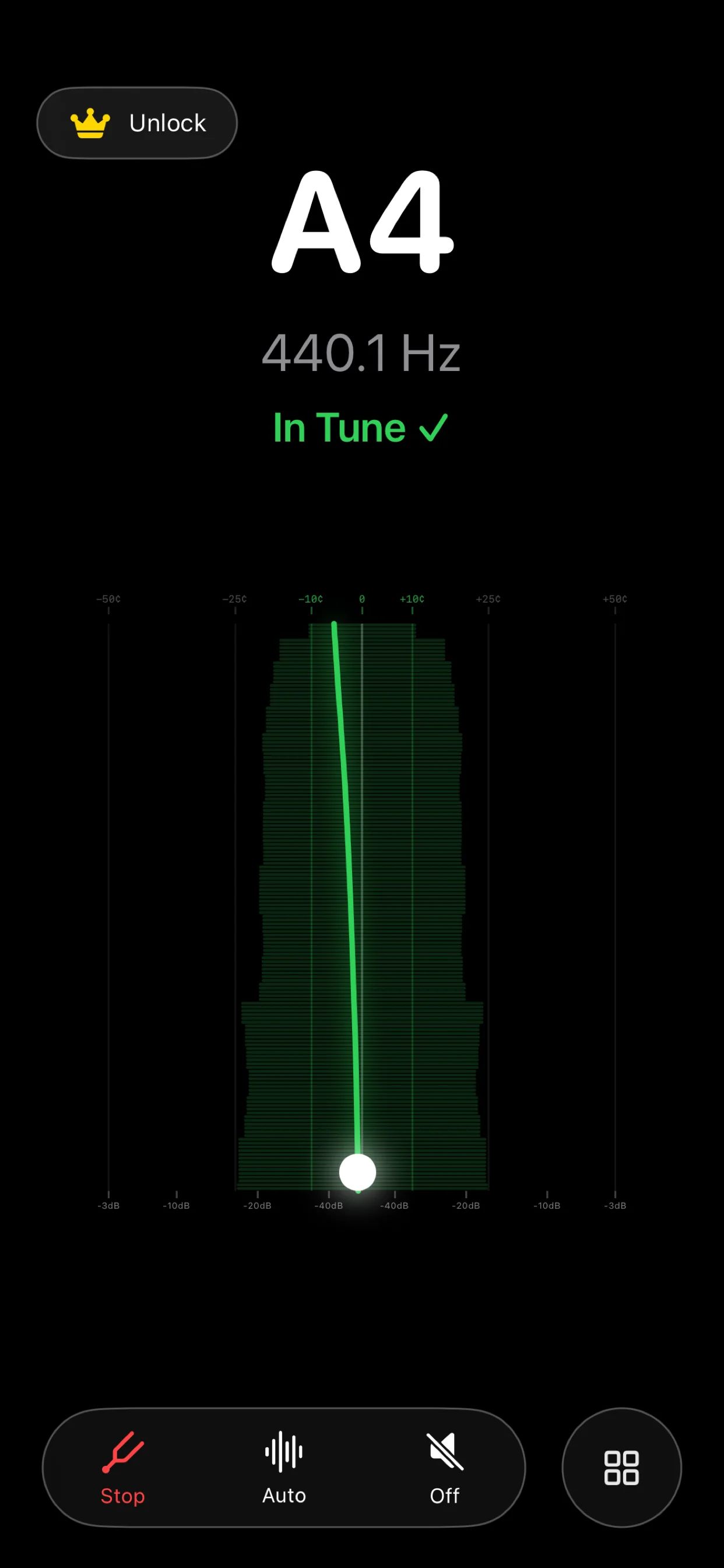
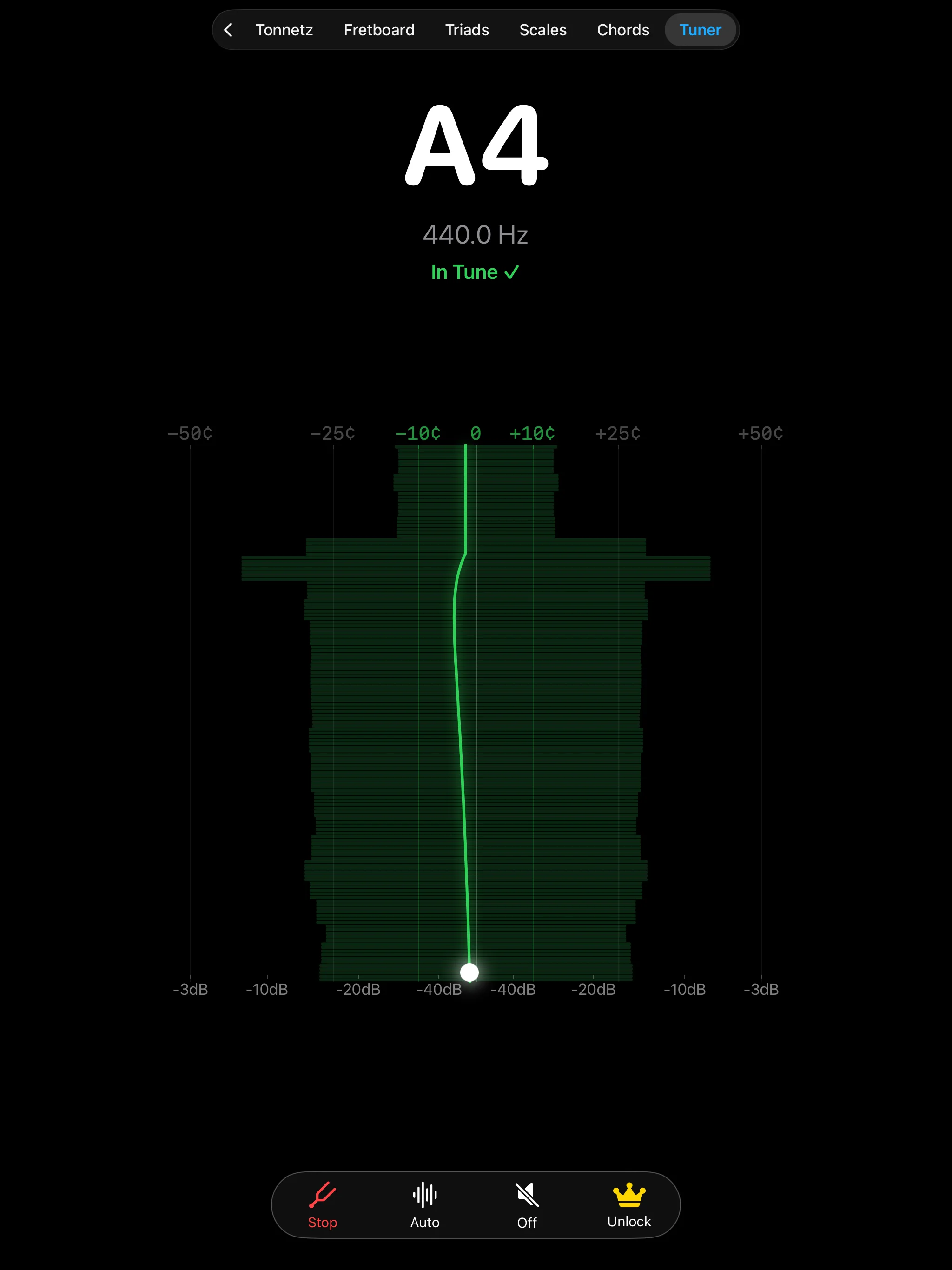
The tuner uses the built-in device microphone to analyze note frequency in real-time, providing immediate feedback for quick and stable tuning.

ChronoChord Tuner on iPhone ChronoChord Tuner on iPad

Seismograph-style Display: The tuner renders a running frequency log, showing fluctuations in pitch. When the note line stays green and matches the center target (0 cents), you're perfectly in tune.

A4 Frequency: Customize reference pitch (standard A4 = 440 Hz) in the configuration panel to match orchestral standards or historical tunings.

4. Circle of Fifths

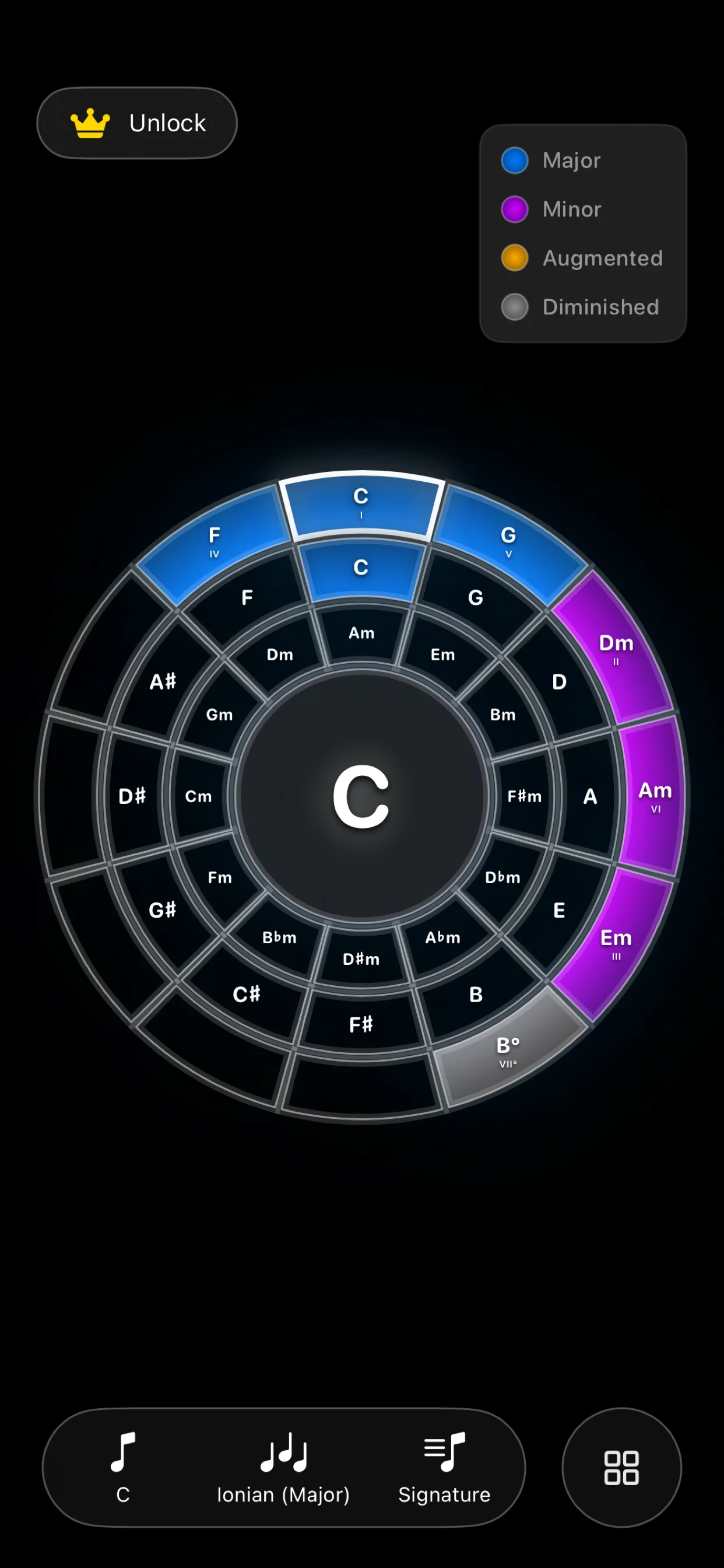
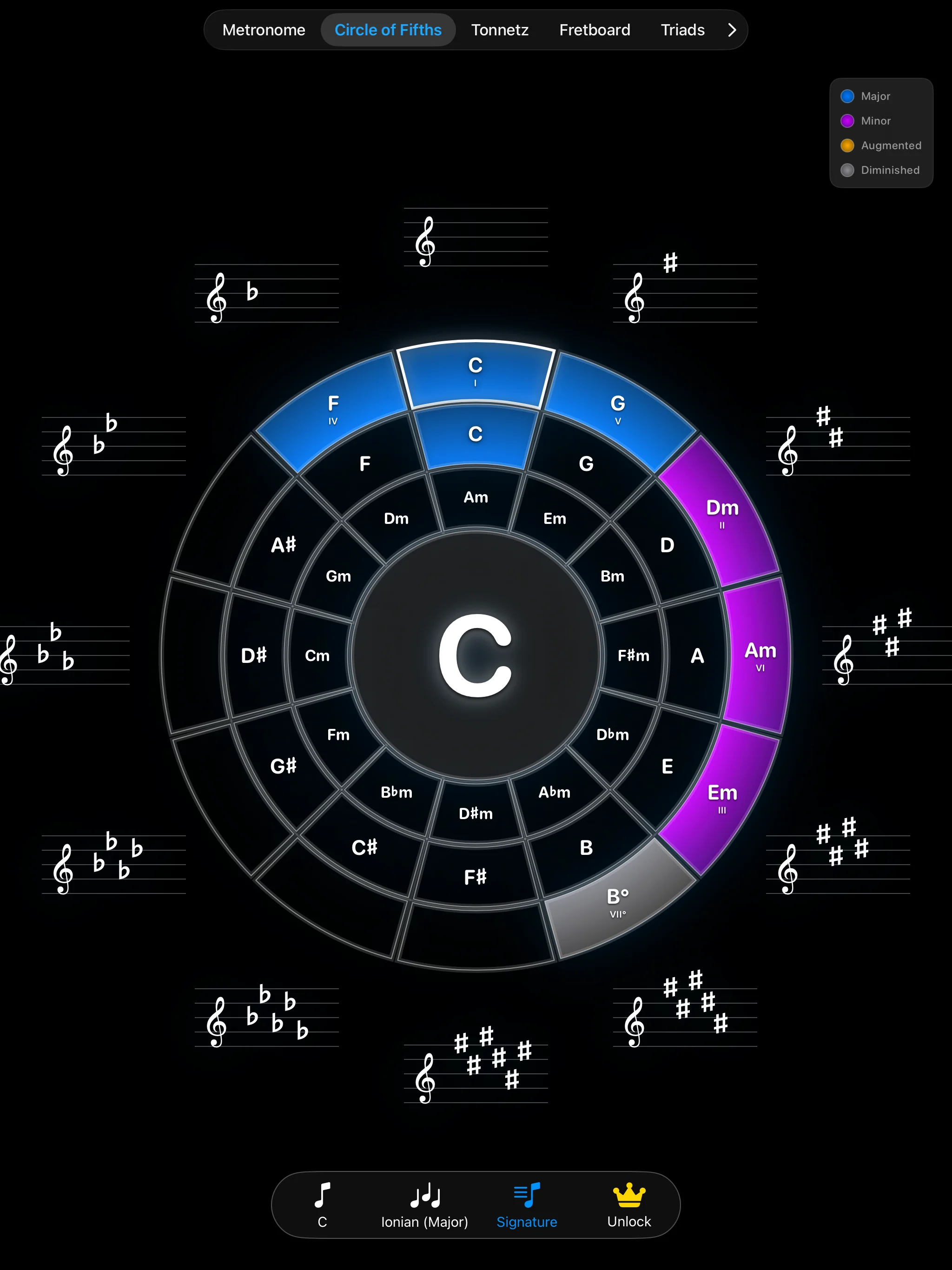
The Circle of Fifths view is an interactive scale calculator to explore primary chord degrees and key relationships.

Circle of Fifths on iPhone Circle of Fifths on iPad

Interactive Navigation: Tap any key on the wheel to set it as root. The interface automatically highlights the corresponding tonic, subdominant, dominant, and relative minor chords.

Modal Exploration: Switch between major and minor scales, or explore modal mapping (Dorian, Phrygian, Lydian, Mixolydian, Aeolian, Locrian) to see chord structures updated instantly.

5. Tonnetz Theory

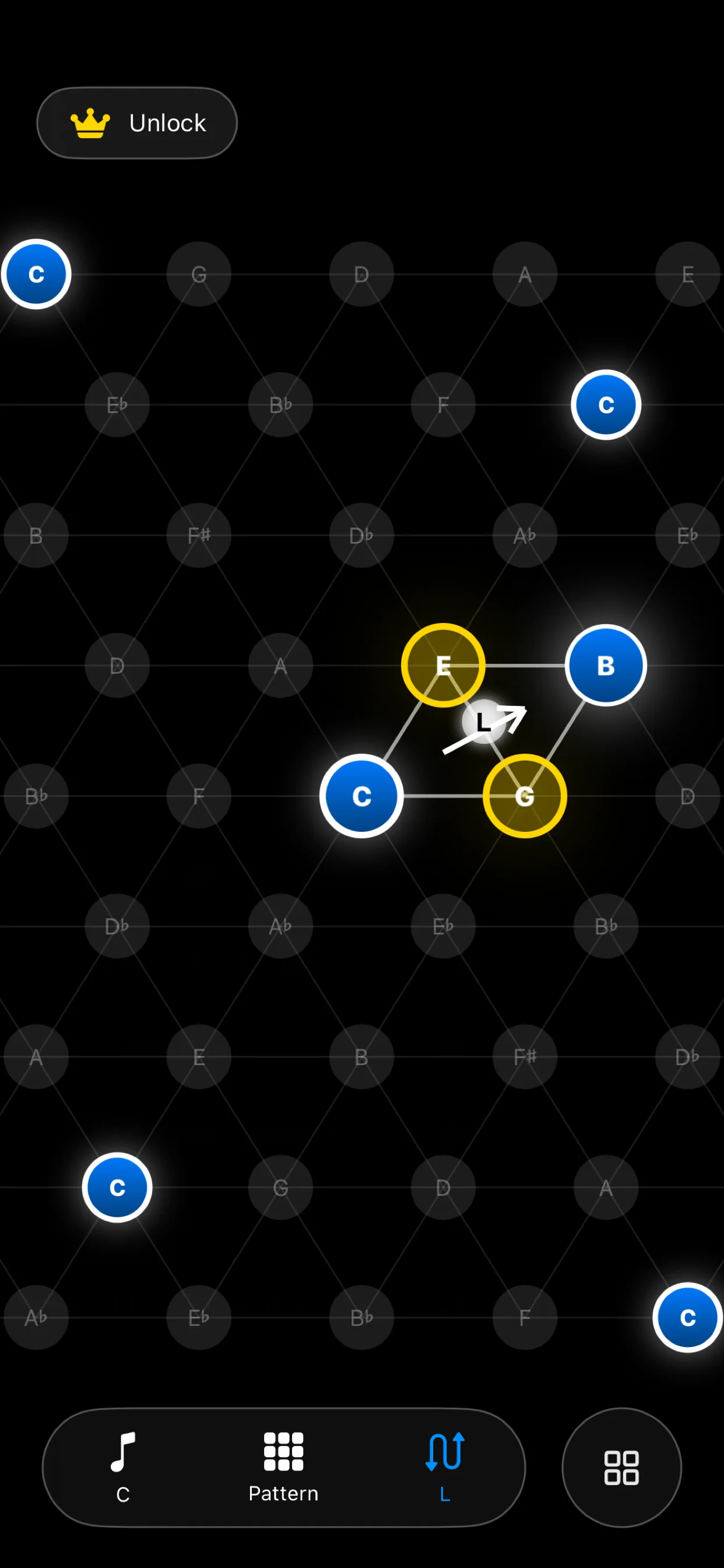
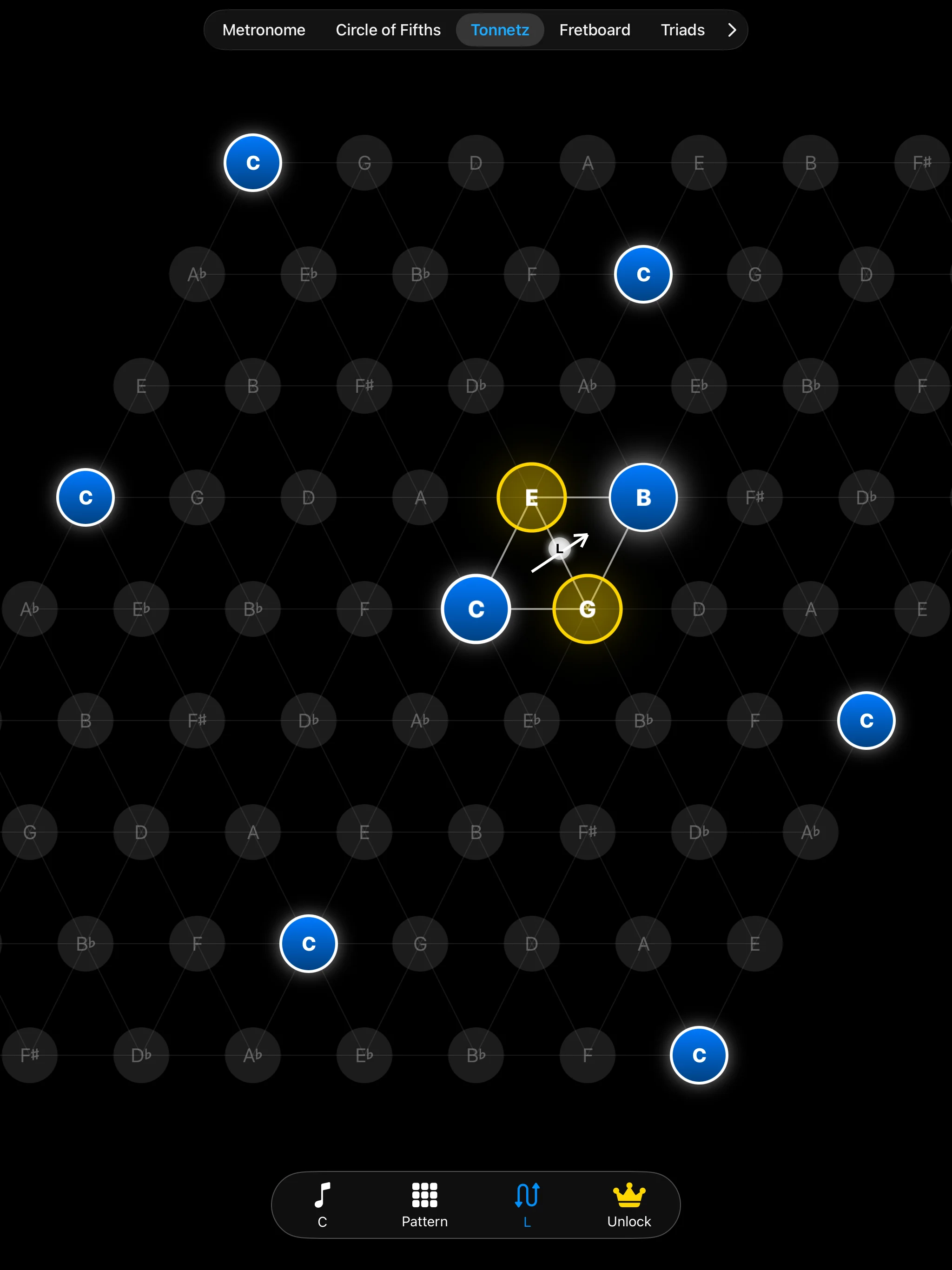
The Tonnetz arranges pitch classes in a triangular grid where geometric distance maps to harmonic closeness, allowing you to visualize chord modulations.

Tonnetz Grid on iPhone Tonnetz Grid on iPad

Triangular Relationships: Horizontal lines represent major thirds, while diagonals represent minor thirds and perfect fifths. Major triads form upward-pointing triangles; minor triads point downward.

Neo-Riemannian Paths: Track transitions using classic transformations: P (Parallel), R (Relative), and L (Leading-tone exchange). Perfect for understanding ambient, film score, or classical chord transitions.

6. Fretboard Reference

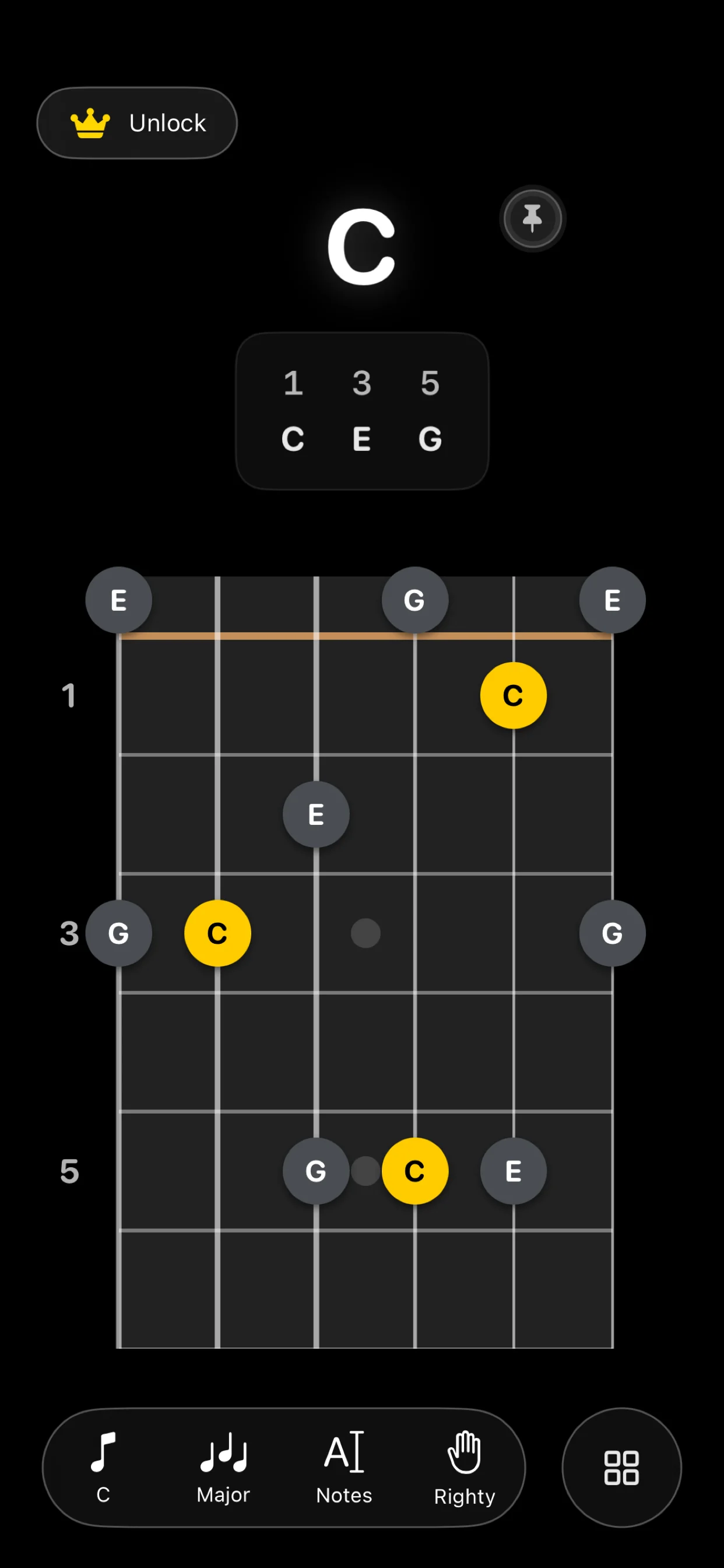
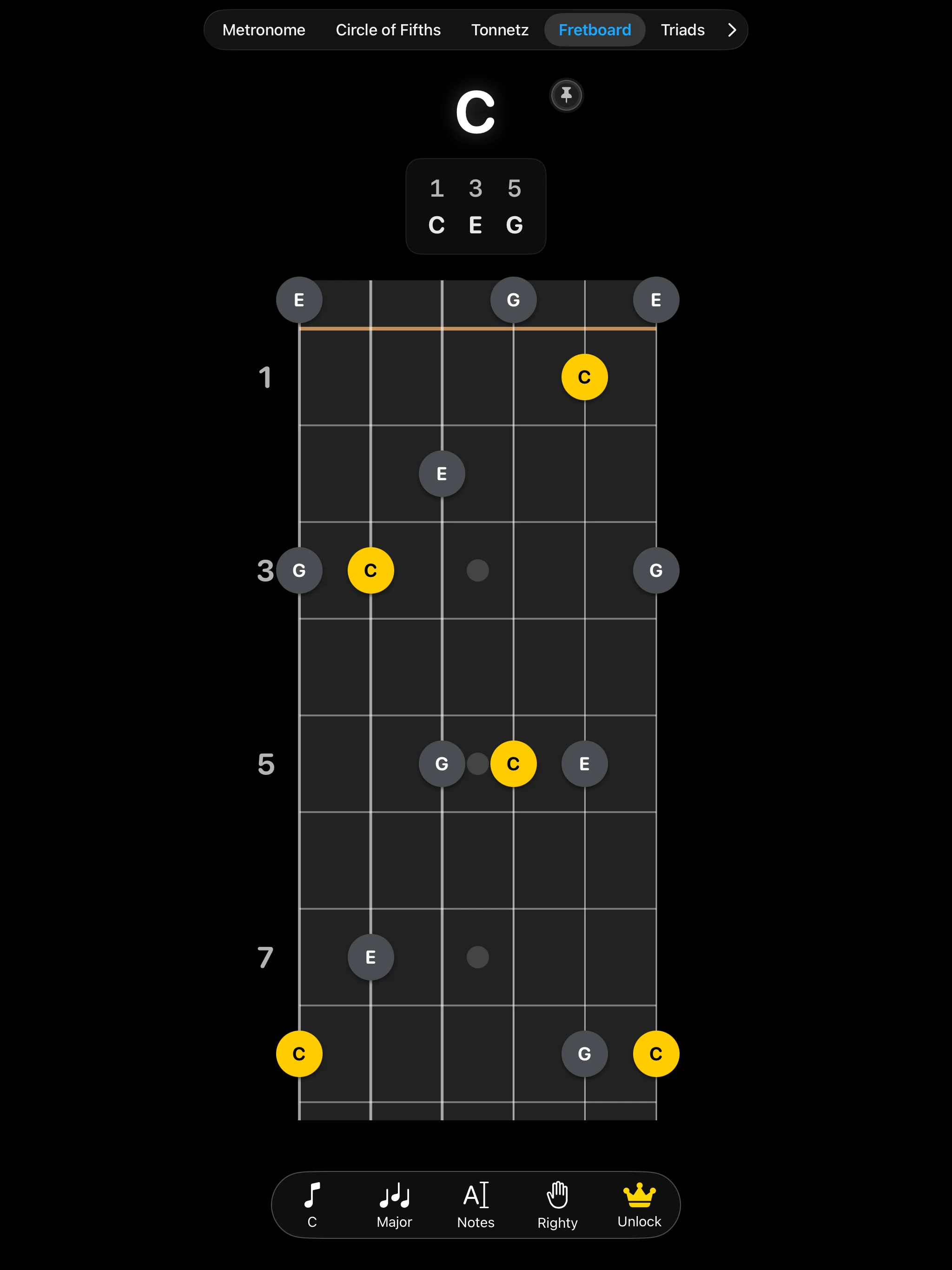
An exhaustive fretboard visualizer that maps notes and scale degrees across the entire neck. Ideal for guitar players learning the fretboard layout.

Fretboard Reference on iPhone Fretboard Reference on iPad

Notes vs. Degrees: Toggle the display format to show literal note names (C, D, E) or functional scale degrees (1, 3, 5, 7) relative to your selected root key.

Custom Tuning: Choose from standard EADGBE guitar tuning, half-step down, drop D, DADGAD, or configure custom string pitches.

7. Scales & Modes

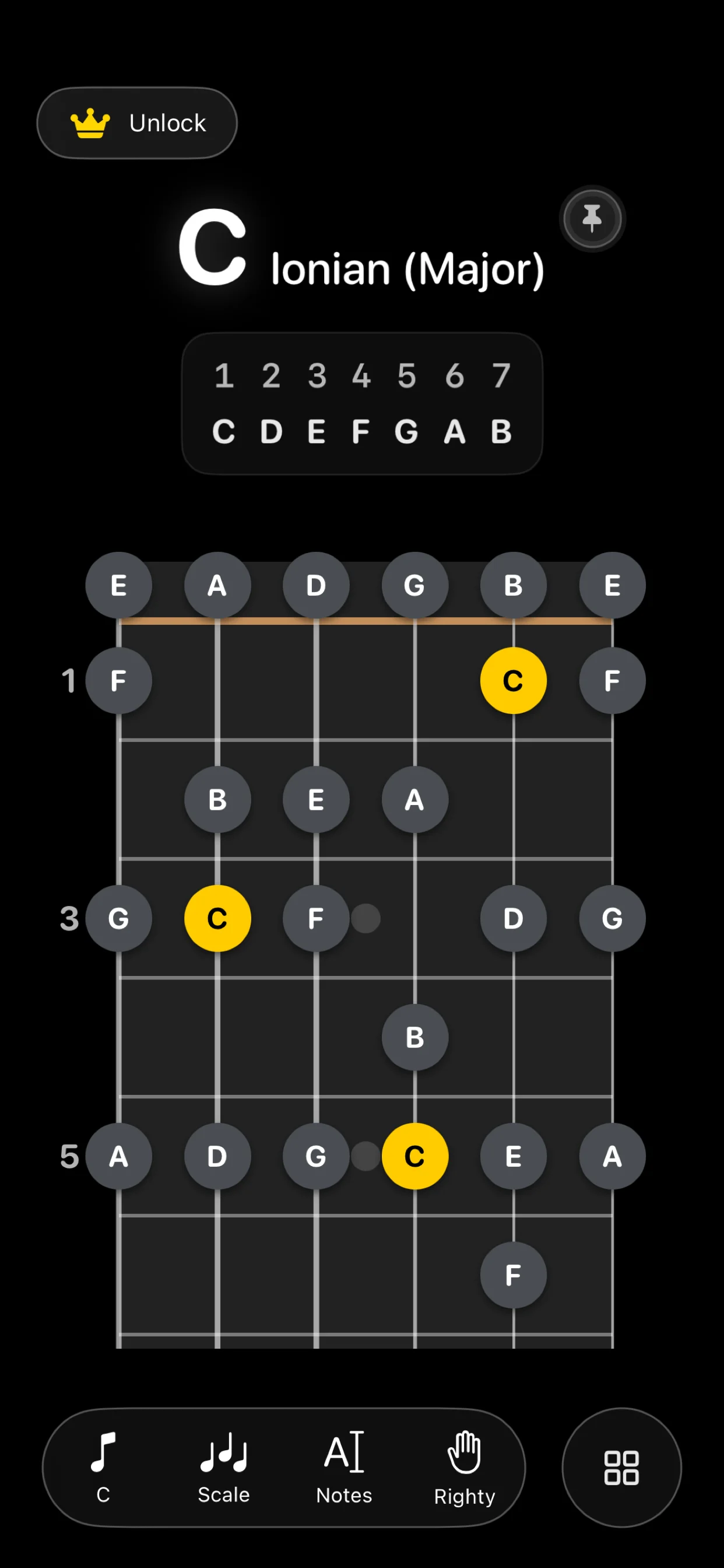
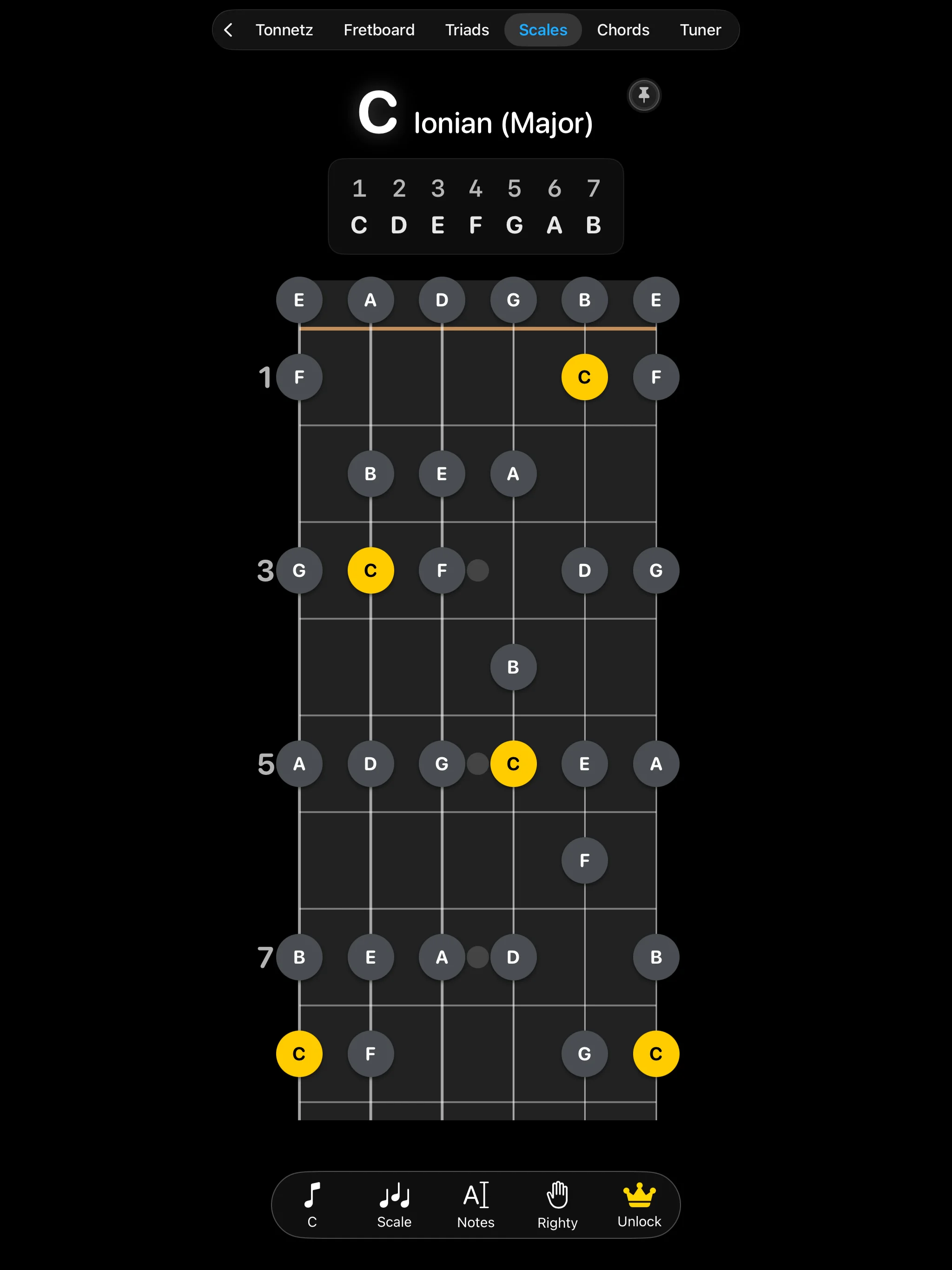
Learn scale shapes and modal variations interactively on the guitar neck.

Scales and Modes on iPhone Scales and Modes on iPad

Visualization: Select any scale type (Major, Natural Minor, Pentatonic, Blues, or Ionian/Dorian modes). The active notes glow on the fretboard to guide your practice.

Interval Legend: A color-coded legend highlights scale degrees (root note is highlighted, thirds are color-grouped, etc.) to build strong chord-scale relationship connections.

8. Chords & Triads

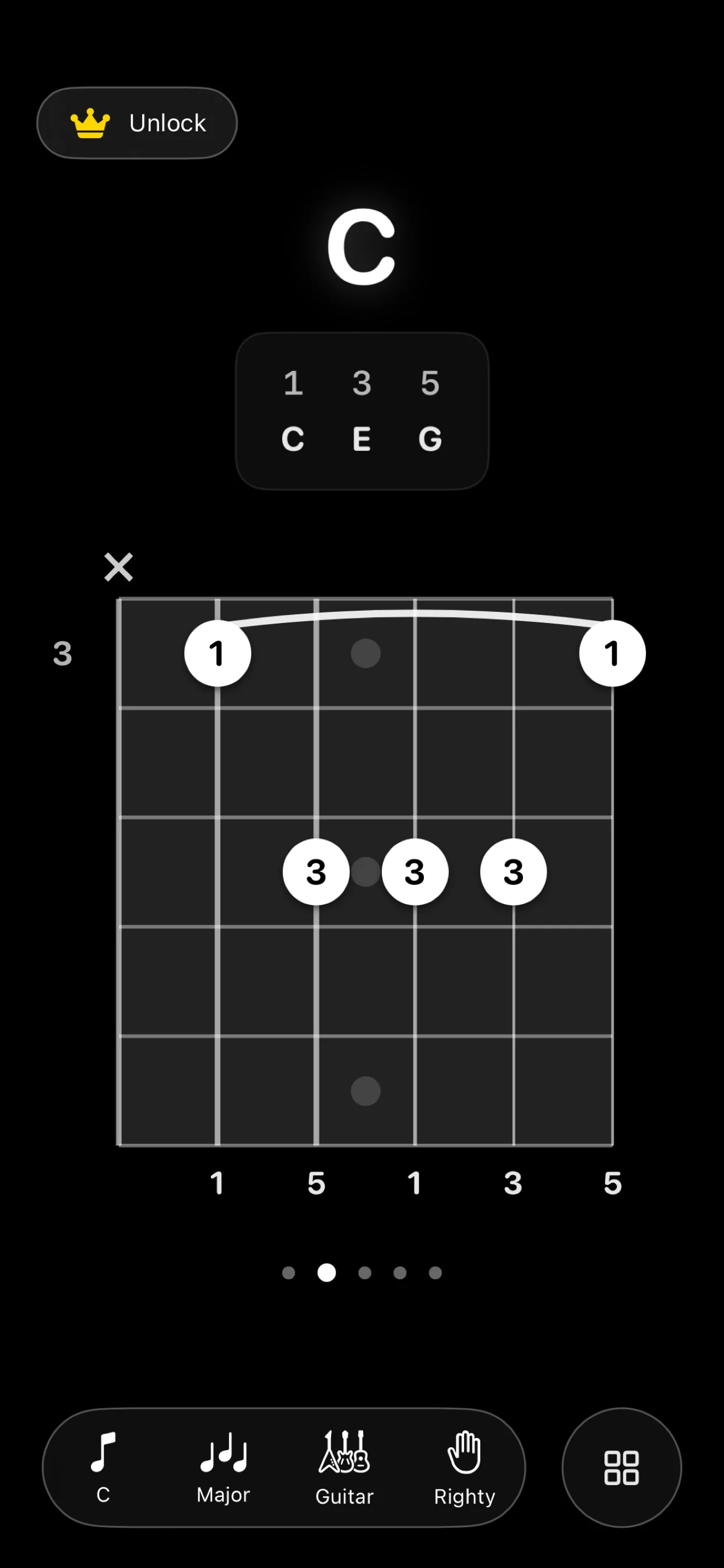
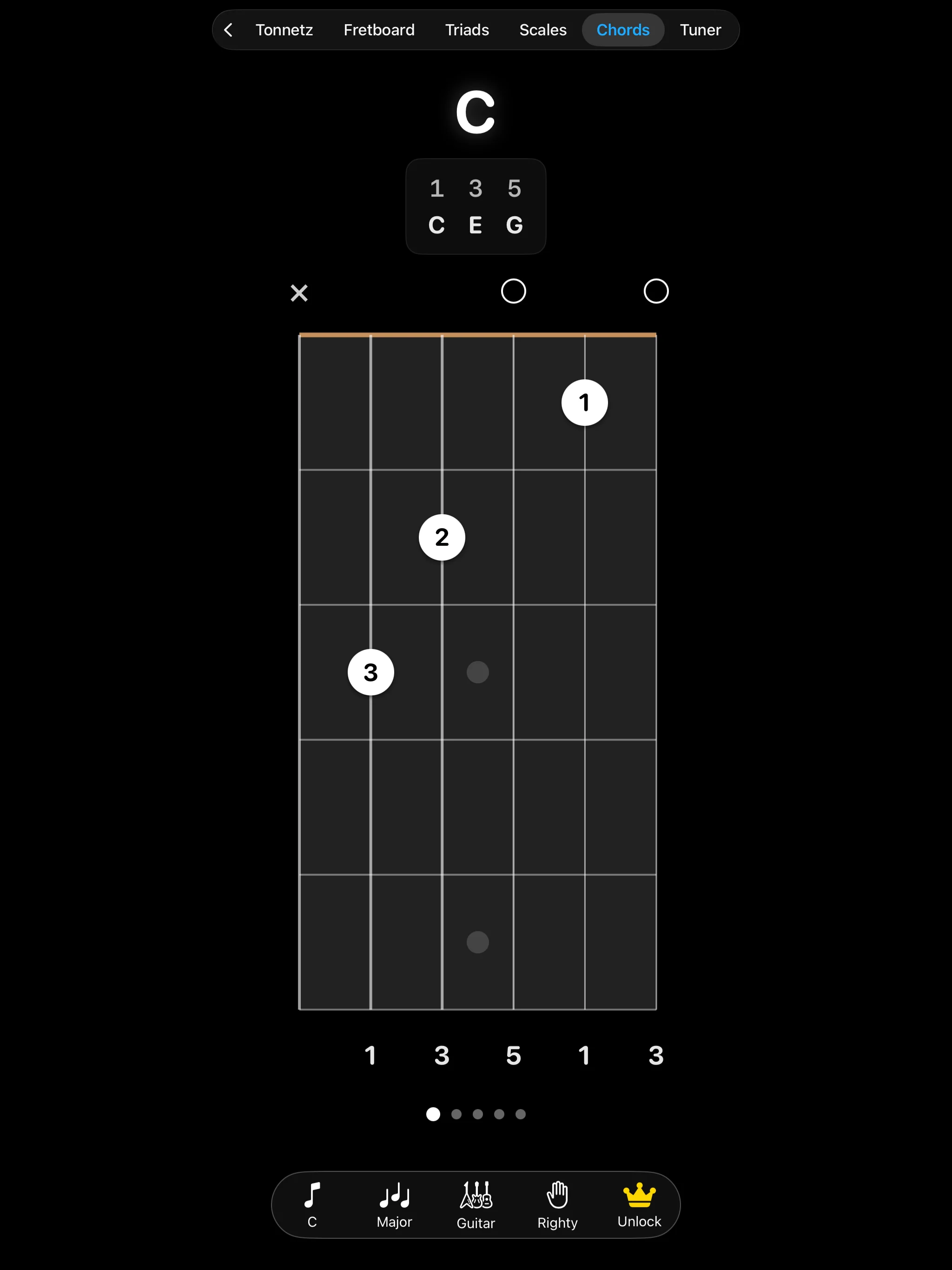
Explore chord voicings and triad inversions to expand your fretboard harmonic vocabulary.

Chords View on iPhone Chords View on iPad
Triads View on iPhone Triads View on iPad

Chord Library: The Chords section displays standard fingering shapes for Major, Minor, Dominant 7th, Major 7th, and diminished chords with fret numbering.

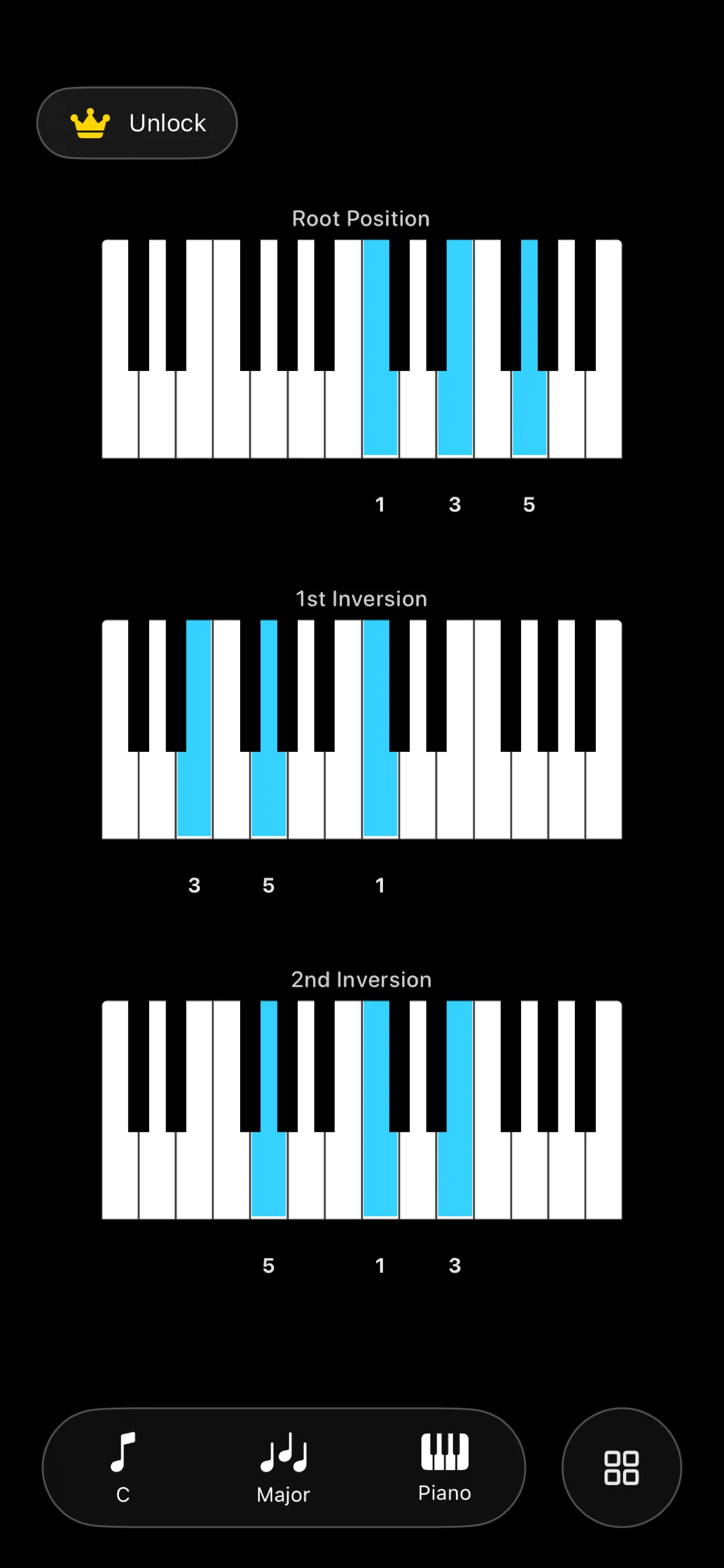
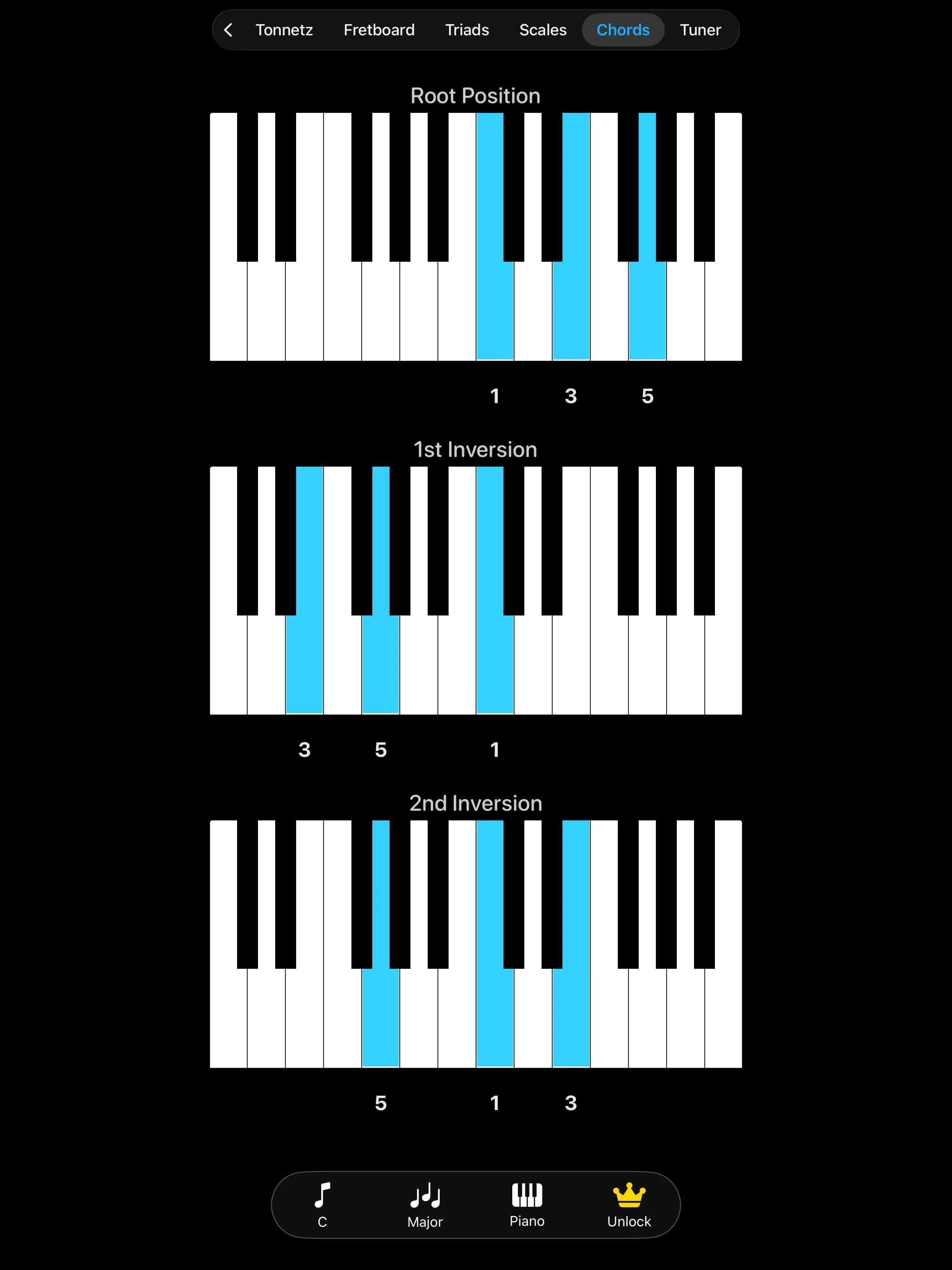
Triad Inversions: Learn close-voiced triads on adjacent string groups. Practice **Root Position**, **1st Inversion**, and **2nd Inversion** shapes up and down the neck, discovering how triad shapes repeat geometrically.

9. FAQ

Does ChronoChord require an internet connection?
No. Once installed, ChronoChord works entirely offline. All calculations, theory layouts, and audio generation run locally on your device.
How is microphone access used in the Tuner?
ChronoChord requires microphone access only to capture the sound of your instrument for tuning. The audio signal is processed strictly in temporary local memory, is never recorded, and is never uploaded.
Is there a subscription?
No. ChronoChord is free to download with basic metronome features. Full access to the Circle of Fifths, Tonnetz path transformations, and the complete fretboard database can be unlocked via a single, lifetime in-app purchase (no recurring fees).